9 Free Shopify Tools That Replace Paid Apps in 2026
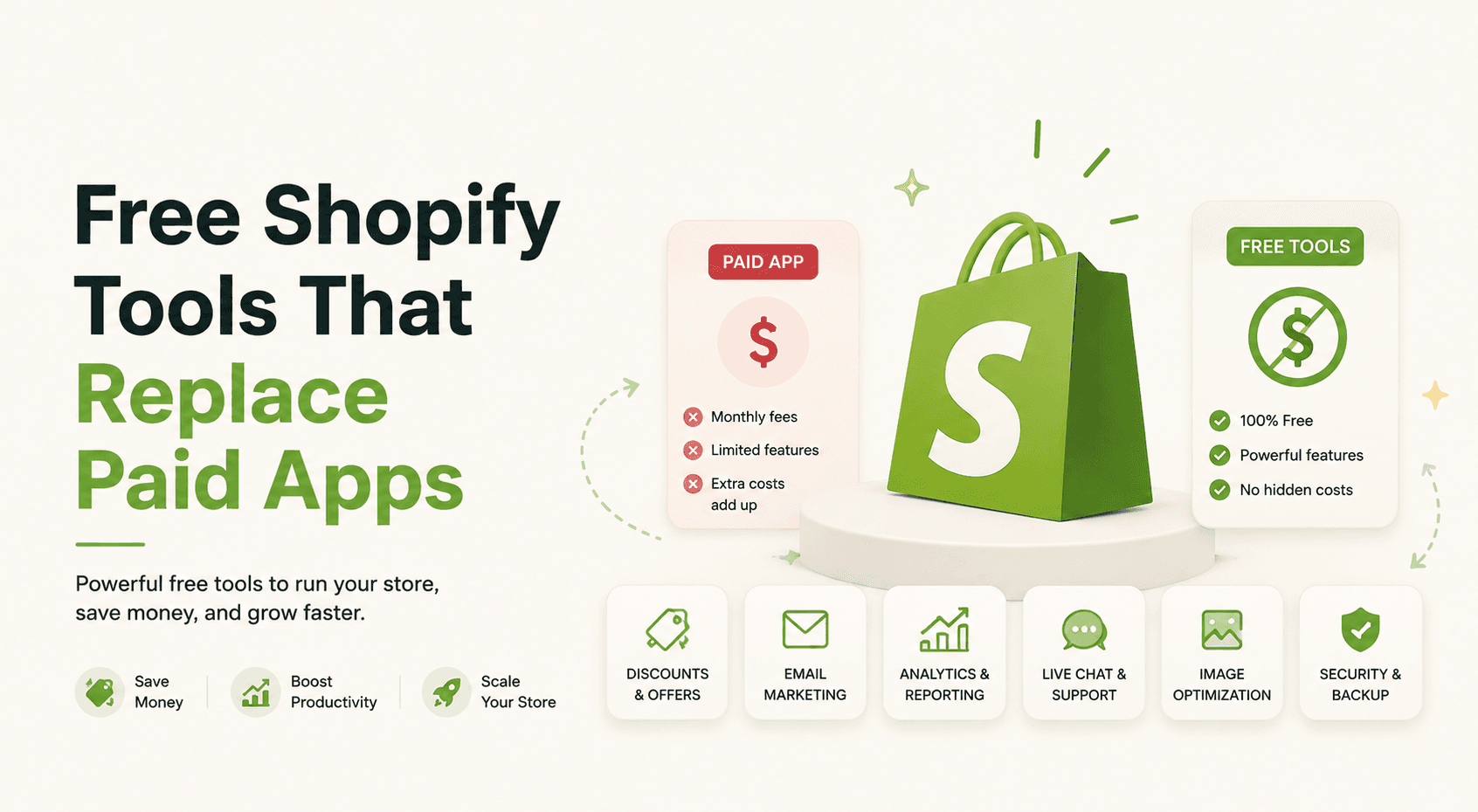
9 Free Shopify Tools That Replace Paid Apps in 2026
In short: You do not have to pay for an app to answer a one-time question about your store. These nine free Shopify tools each do a job you would otherwise buy an app or an agency review for: a full store audit, an AI shopping readiness check, a Google Merchant Center check, a checkout deadline scan, a Stocky rescue, a product CSV check, a stockout cost calculator, a days-of-stock calculator, and an AI text detector. Every one is free, needs no signup, and stores nothing you enter. Most run entirely in your browser.
I built all nine, under the name Extensions Market, as the free front door to the paid Shopify apps I make. That is why I can keep them free instead of turning them into bait for a mailing list. You never have to install an app to use any of them, and each one is useful on its own. Here is what each replaces, when to reach for it, and the honest limit of what a free tool can see.
Why buy an app for a one-time check?
Paid Shopify apps earn their keep when you use them every day. An inventory app, a bundle app, a popup app: those run all the time, so a monthly fee makes sense. The trouble is that a lot of what a store needs is a one-time check, not an ongoing service. You want to know if an import will break, whether your checkout is about to stop tracking, or if Google is about to suspend your listings. Paying a subscription, or an agency, to answer a question you ask once is a bad trade.
That is the gap these nine tools fill. Each one answers a single question and hands you the result, free, with no account. Six of them run entirely in your browser, so nothing you paste or upload ever leaves your computer. The three that read a live page fetch only the public URL you give them and store nothing. None of them ask for admin access to your store, and none of them send your data to an AI model, so there is no hidden cost and nothing is generated by a language model.
The nine tools and what each one replaces
| The job | What people pay for | The free tool | What it does |
|---|---|---|---|
| A full store health read | An audit app or an agency review | Shopify Store Audit | Speed, SEO, mobile, trust and conversion, facts split from suggestions |
| Get recommended by AI assistants | An AI-visibility service with an email gate | AI Shopping Readiness Checker | Checks if AI can read a product page, gives the schema to fix it |
| Avoid a Google suspension | A feed or diagnostics app | Merchant Center Checker | Flags conflicting price and stock signals that trigger suspensions |
| Survive the 2026 checkout change | A migration consultation | Checkout Deadline Checker | Finds legacy tracking and checkout signals, plus an admin checklist |
| Move off Stocky | Manual re-entry or a data service | Stocky Export Converter | Converts a Stocky export to a Shopify-ready and EZstock-ready file |
| Import products safely | A CSV validation app | Product CSV Checker | Catches the mistake that silently deletes variants, before import |
| Price an out-of-stock | A spreadsheet you build | Stockout Cost Calculator | Adds lost margin, expedite cost and switching to lost revenue |
| Know when to reorder | An inventory planning tool | Days of Stock Calculator | Days of stock left plus the reorder-by date from lead time |
| Product copy that reads human | A paid AI-detection service | AI Detector | Scores copy for AI-writing tells, fully in your browser |
Can a free tool really audit your store?
Yes. The Shopify Store Audit is the general checkup, and it replaces both a paid audit app and a first-pass agency review. You paste a store URL and it returns an overall score plus reads on speed, SEO, mobile, trust and structured data, with Core Web Vitals from Google's own PageSpeed data and a prioritized issue list. It detects app bloat, the extra scripts a stack of installed apps loads that quietly slow a storefront down.
What makes it trustworthy is that every finding is labelled. A measured fact is something it can prove on the page, like a missing title tag or a broken link. A suggestion is a conversion best practice you are free to skip, and a suggestion can never outrank a measured problem, so you are never told your store is broken because it lacks a countdown timer. Each issue comes with why it matters and how to fix it, and the tool says plainly when it could not measure something instead of faking a perfect score.
The honest limit is that a public scan reads the homepage and a sample of links, so deep page-by-page issues still need a closer look. When it finds conversion gaps it points to the paid app that fits, usually a social-proof or bundle app.
→ Run the Shopify Store Audit (free)
Will ChatGPT recommend your products?
A growing share of product searches now start inside an AI assistant. ChatGPT Shopping, Google's AI Mode, Perplexity and Gemini all try to recommend specific products, and they pick from what they can read in a page's markup, not from how it looks. The AI Shopping Readiness Checker reads a product URL the way those assistants do and scores whether your product can be understood and recommended, which is what an AI-visibility service charges for behind an email wall.
It checks the signals that matter: Product schema with a valid price, currency and availability, a brand, identifiers like GTIN or SKU, review and rating markup, and whether an AI crawler is even allowed to read the page. When a signal is missing it generates the exact Product and Offer schema you can paste in, pre-filled from what it scraped. It also catches a common trap where a store renders its product data with JavaScript, which means a non-JavaScript AI crawler sees nothing, and it tells you that is how you look to those assistants. The honest limit is that it reads what your page exposes to a public fetch, so client-rendered schema shows as missing, which is exactly the point.
→ Run the AI Shopping Readiness Checker (free)
Will Google suspend your Shopping listings?
Free Google listings and Shopping ads run through Google Merchant Center, and Merchant Center suspends accounts for misrepresentation, most often over problems it sees right on a product page. The Google Merchant Center Checker scans a Shopify product URL for those issues, so you can fix them before Google flags them rather than after a suspension costs you the channel.
The check that sets it apart is the conflicting-data one. If a page tells two different stories, a price in the structured data that does not match what a shopper sees, or a stock status that disagrees with the buy button, Google treats it as misrepresentation. The tool reads each Product schema block separately, compares the price in the markup against the visible price and the social-share price, and compares stock signals against whether the page has a working buy button. It grades a real conflict as critical and a softer mismatch as a warning, and when a store renders its schema with JavaScript it reports an honest "no readable schema" state rather than a fake score. The honest limit is that some suspension causes live in your account or feed, not on the page, so a page scan covers the on-page half.
→ Run the Merchant Center Checker (free)
Is your checkout going to break in 2026?
Shopify is moving every store to checkout extensibility and turning off the older checkout customizations. The Additional Scripts field many stores used for tracking is already locked, checkout.liquid is being retired, and stores that never migrated get reverted to the default checkout. The Checkout Deadline Checker scans a storefront for the legacy signals that will not survive that change, which is the question an agency would bill you for a consultation to answer.
It is built around one honest boundary. It cannot see your actual checkout page, which sits behind the cart and login, so it never claims to. Instead it reads what is public: whether legacy tracking scripts like an inline Meta Pixel, GA or a GTM container are still firing the old way instead of through a migrated Shopify Web Pixel, which is the real cause of the attribution drop stores see after the deadline. It reports that as a tracking score, says plainly it is only the part it can see, and hands you a dated admin checklist for the half that lives in your settings. Password-protected and non-Shopify stores get an honest "cannot scan" state, not an invented score.
→ Run the Checkout Deadline Checker (free)
Leaving Stocky? Convert your export before it shuts down
Shopify is retiring Stocky, the inventory and purchase-order app, and the data inside it is the hard part to move. To be exact: Stocky is a separate app that is being discontinued, and Shopify's built-in inventory tracking is unaffected and keeps working. The problem is that a Stocky purchase-order export, dropped straight into Shopify, only creates a new draft and loses the status, received quantities, supplier and cost that made it useful. The Stocky Export Converter fixes that, which otherwise means either manual re-entry or paying a data service.
You upload a Stocky export, a CSV or the richer API JSON, and it converts your purchase orders, suppliers, stocktakes and SKU-to-cost data into a clean, Shopify-ready file, and an EZstock-ready file too. Its honesty edge is that when a row is malformed or would be mangled by a spreadsheet, it lists that row instead of silently dropping it, so you can see exactly what came across. It runs entirely in your browser, so your export never leaves your computer, and it includes a guide for pulling the richer JSON straight from Stocky's API while that API is still alive. A few fields like supplier notes and reorder points have no clean home in Shopify, and the tool says so.
→ Run the Stocky Export Converter (free)
Will your CSV import delete your variants?
A product CSV import into Shopify is close to irreversible, and the worst failure is silent. If a file has a SKU or weight column but is missing the Option Name and Option Value columns, Shopify rebuilds the product with a single default variant and deletes the rest, with no error message. The Product CSV Checker leads with exactly that check, the one Shopify's own documentation warns about, and it replaces a paid CSV validation app.
Beyond the variant-deleting case it catches the other CSV problems that break an import: a SKU mangled into scientific notation by Excel, blank or malformed handles that split one product into several, currency symbols in a price field that resolve to zero, image URLs that are not public, and encoding issues like a UTF-8 byte order mark or stray line endings. It gives a worst-first verdict, tells you the exact row numbers affected, and explains why each one matters and how to fix it. The whole thing runs in your browser, so the file never uploads anywhere, which you can verify in your network tab. The honest limit is that it checks the file's structure, not whether the product data itself is right for your store.
→ Run the Product CSV Checker (free)
What does a stockout actually cost you?
It is easy to think of an out-of-stock as just a missed sale. The real bill is larger, because a stockout also loses you the margin you would have earned, sometimes costs you an expedited restock, and pushes some shoppers to a competitor they may not come back from. The Stockout Cost Calculator adds all of that into one number, which otherwise means building a spreadsheet yourself.
You enter your daily sales, the length of the stockout, your price and unit cost, and it returns the full picture: lost revenue, lost margin, any expedite cost, an estimate of customers who switch away, and the total summed together. Seeing lost margin and customer switching next to plain lost revenue is what turns "we ran out for a few days" into a figure that justifies a safety-stock buffer or an earlier reorder. It runs entirely in your browser and stores nothing, and if you leave the cost fields blank it just shows the lost-revenue view, so it is useful even with rough numbers. The customer-switching share is an estimate you control, not a measured fact.
→ Run the Stockout Cost Calculator (free)
How many days of stock do you have left?
The most useful inventory number is often the simplest: how many days of selling you have left before a product runs out. The Days of Stock Calculator takes your current stock and your sales rate and tells you exactly that, then goes one step further and works out the date you need to place a reorder by, given your supplier's lead time. That reorder date is the output that changes behavior.
Knowing you have 22 days of stock is interesting; knowing you have to place the order by a specific date, because the shipment takes two weeks to arrive, is actionable. The gauge recolors from healthy to soon to critical as the runway shortens, so a glance tells you which products are fine and which need an order today. It is a plain, fast calculator with no signup, and it works for any store because you supply the numbers. It uses the sales rate you give it, so a product with strongly seasonal demand needs your judgment on which rate to enter.
→ Run the Days of Stock Calculator (free)
Does your product copy read like AI?
A lot of product descriptions now get drafted by an AI assistant, and the ones that ship unedited tend to share a flat, generic sound that shoppers and search engines both start to tune out. The AI Detector scores a block of text for how much it reads like typical AI writing, and it does the whole thing inside your browser, including an optional deeper machine-learning pass, so your copy is never sent to a server or a language model. It replaces a paid AI-detection service.
It gives a 0 to 100 score with an honest confidence band rather than a fake exact percentage, highlights the specific phrases and flat sentences that trip it, and offers a free clean-up that rewrites the most obvious tells, all offline. It is careful about the thing these tools usually get wrong: detection is not proof, non-native English can score high unfairly, and the tool says so rather than accusing anyone. You can paste text or point it at a public URL to pull and score the copy there. No detector is certain, so treat the score as a nudge to edit, not a verdict.
Which free tool should you use first?
Pick the one that matches the loudest problem in your store right now. If you are leaving Stocky, the deadline makes that urgent, so start with the Stocky Export Converter and get your data out. If a big product import is coming, run the Product CSV Checker first, because an import that deletes variants is the kind of mistake you cannot easily undo. If you just want a general read, the Shopify Store Audit is the broad checkup, and the AI Shopping Readiness Checker is the one to run if you care about being recommended by AI assistants.
If sales are steady and you are managing inventory, the two calculators are the fast daily wins, and if you run Shopping ads, the Merchant Center Checker is cheap insurance against a suspension. None of them need each other, none of them need an account, and none of them replace a good app you use every day. They just mean you never have to pay a subscription to answer a question you ask once.
Frequently Asked Questions
Are these Shopify tools really free?
Yes. All nine run at no cost with no account, no card and no paid tier hiding the result. They do not upgrade you into a subscription to see the answer. They pay for themselves by introducing the paid Shopify apps their maker builds, which is why they can stay fully free. You can use every one without ever installing an app.
Do these free tools replace paid Shopify apps completely?
For a one-time job, yes. Each tool answers a single question you would otherwise buy an app or an agency review for. They do not replace an app you use every day, like an inventory or bundle app that runs all the time. The point is that you should not pay a monthly fee to answer a question you ask once.
Do I need to sign up or share my store data?
No signup and no login. Six of the nine run entirely in your browser, so what you paste or upload never leaves your computer. The three that read a public page, the store audit, the AI shopping check and the Merchant Center check, fetch the public URL you give them and store nothing. None of them ask for admin access to your store.
Do any of these tools use AI or send data to an AI model?
No. Every tool is rules-based and deterministic. None of them send your text, files or store data to an AI model, so there is no token cost and nothing is generated by a language model. The AI Detector even runs its machine-learning check inside your browser. The word AI in some names refers to what they check for, not how they run.
Will these free tools work on any Shopify store?
The calculators and file checkers work for any store, since you supply the numbers or the export. The tools that scan a live page work on any public storefront, Shopify or not, though a few checks are Shopify-specific. Password-protected or fully JavaScript-rendered stores limit what a public scan can read, and each tool says so honestly instead of showing a fake perfect score.
Where are these tools hosted?
All nine live on Extensions Market at extensionsmarket.com, each on its own page with a URL that starts with "free". They are the free front door to a set of paid Shopify apps, so they are kept useful rather than turned into a signup funnel. Each link in this article goes straight to the live tool.